+
No. This score checks your thumbnail against things that are known to matter at the size Roblox shows it (subject size, text, clutter, message, rules). It is not a CTR prediction: it can't see your game, your icon, your audience or where Roblox places you. Only a live test tells you which thumbnail wins. Predicting clicks from the image alone is weak: in published research, picking the better of two similar images is right about 60-68% of the time at best, about as often as people guessing. So the tester checks the things that are known to matter at Home size, and leaves the verdict to a live test on Roblox.
+
qPTR (qualified play-through rate) is the share of users who see your experience in Home recommendations and then have a qualified play - an intentional session, not an accidental click or an instant exit. With Thumbnail Personalization on, the Creator Hub shows it per thumbnail, with up to 30 days of data. In June 2026 Roblox said Recommended For You now ranks by play-through rate and by how many players leave in the first session, so a thumbnail that promises what the game delivers matters more.
+
Roblox does not publish a benchmark table; the Creator Hub compares you with similar experiences. What developers have shared on the Roblox DevForum in 2025-2026: most Home qPTRs sit between about 0.2% and 3%, one developer quoted a genre median of about 1.2%, and another a genre 90th percentile of about 3.6%. These are self-reported numbers from a handful of games, they vary by genre, and qPTR usually drops as a game gets more impressions, because Roblox shows it to a broader audience. Compare yourself with the benchmark the Creator Hub shows you, not with a number from a forum.
+
With Roblox's own Thumbnail Personalization, which is free. 1. Make 2 to 5 thumbnails that are genuinely different ideas - a different hook, background or framing, not the same picture in a new color. 2. Upload them to your experience in the Creator Hub: 16:9, ideally 1920x1080, each under 3 MB. 3. Tick Active next to 2 to 5 of them. Personalization only starts with 2 or more active; with one, everyone sees the same image. 4. Leave the test alone for at least 7 days - Roblox staff advise against restarting it sooner. 5. Read the impressions and qPTR of each thumbnail in the Creator Hub analytics. Roblox warns that with fewer than about 1,000 daily users the difference may not be significant.
+
Not for the quick check: it runs entirely in your browser. The full report sends a reduced copy (768x432 and 160x90) to our server, which passes it to Google's Gemini API (paid tier) to read. We do not store the copy: we keep a fingerprint of the image (a SHA-256 hash) and the result, so the same image always gets the same report - never the image itself.
+
Without an account: the preview at real Home sizes, the quick check (aspect ratio, resolution, file size, sharpness, detail at the size Roblox serves, dark and light themes), its band and the biggest problem. With a free account: the full Home Readiness Score with every check and its evidence, the glance test, the 15 warnings, boxes drawn on your image, compare mode for 2-5 versions and a score card to share - 10 full reports a day (50 on a paid Nexframe plan). Testing the same image again does not use one.
+
Because the checks are not precise enough to tell 72 from 74, and a decimal would suggest they are. The checks are listed first, with what was measured, and the band (A to D) says what to do next.
+
Every pair of versions is judged twice by the AI, once in each order, because AI judges are known to favor the first or the second image. A version only wins a pair when both orders agree; otherwise it is a tie. The wins are combined with a Bradley-Terry model into a suggested order to test - which version to upload first, not how many clicks it will get.

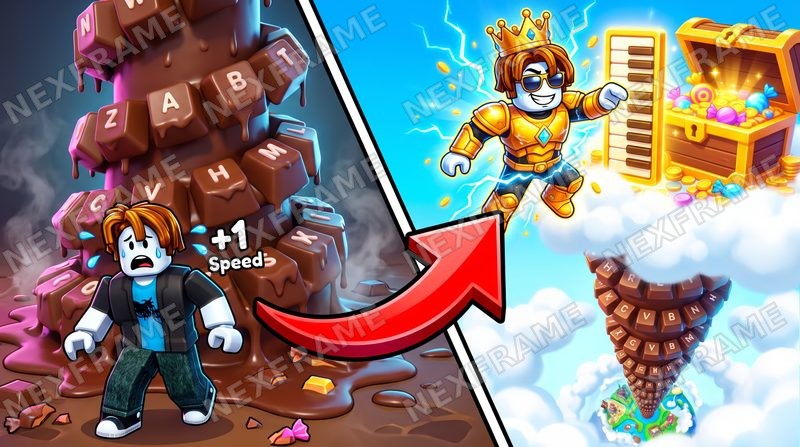
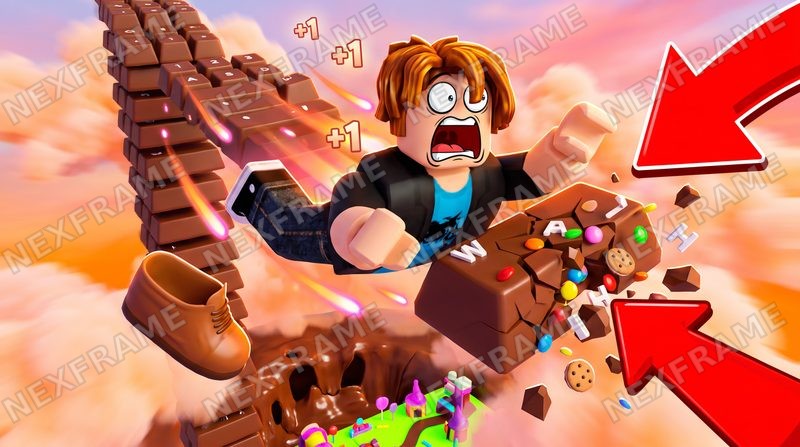
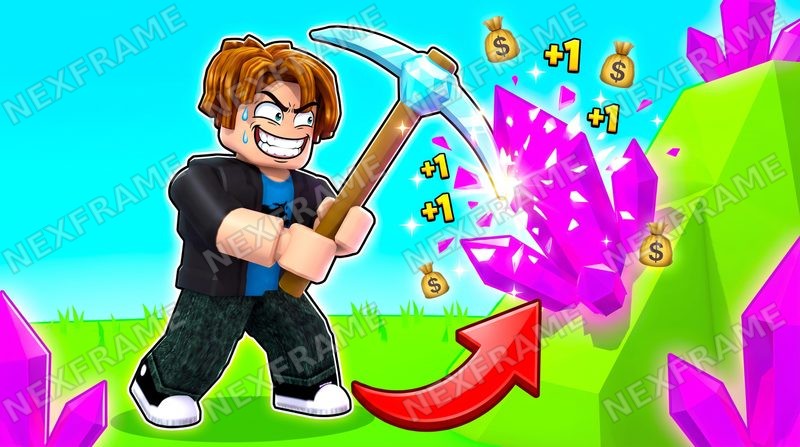
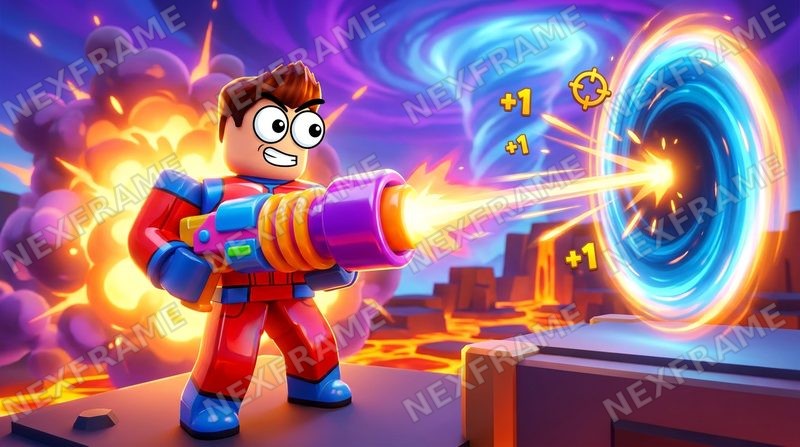
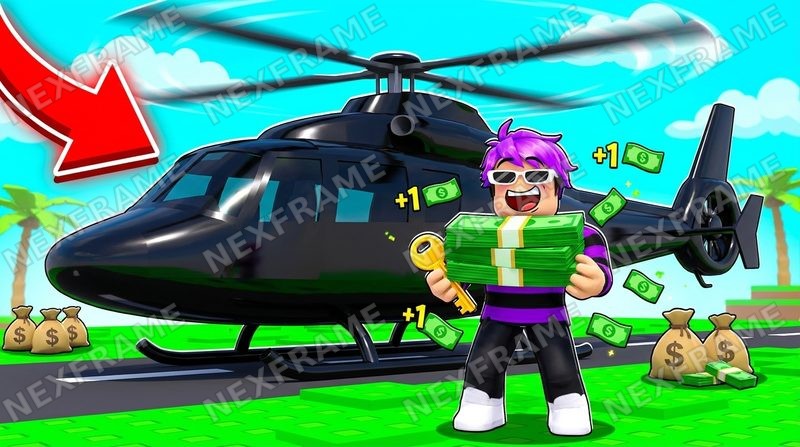
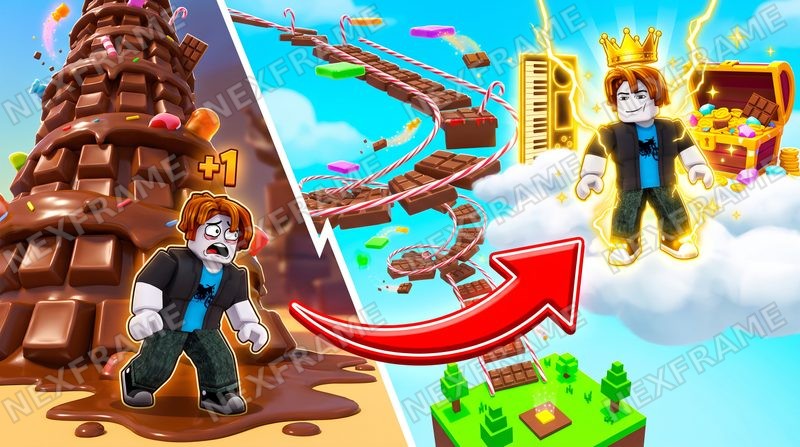
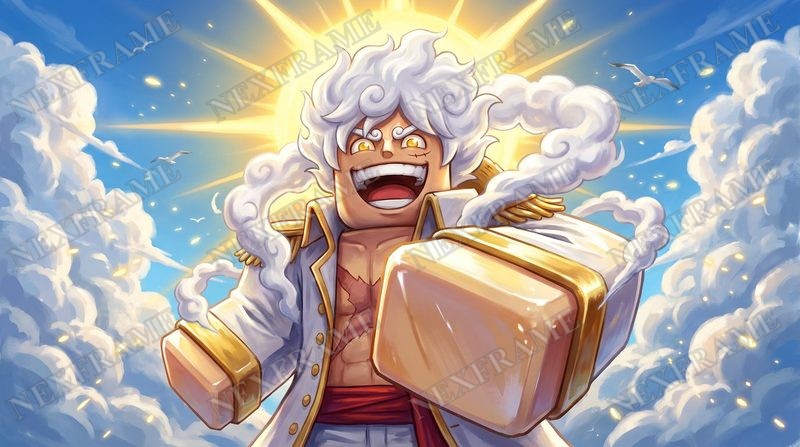
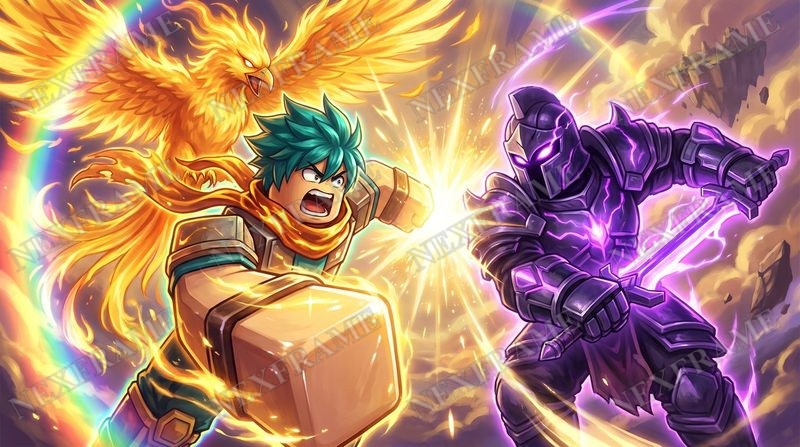
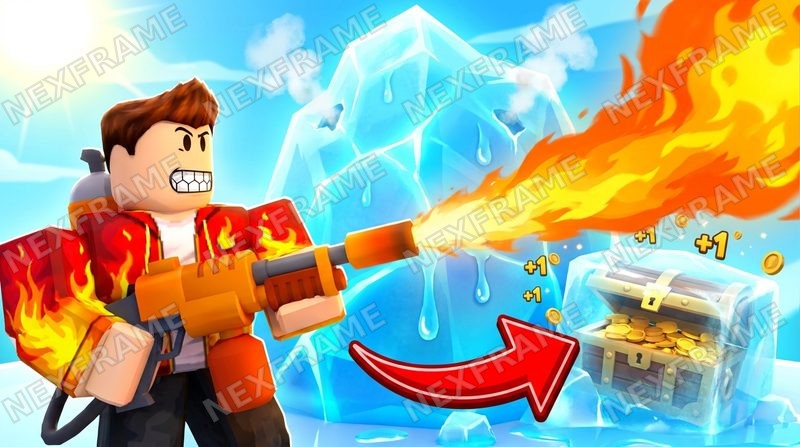
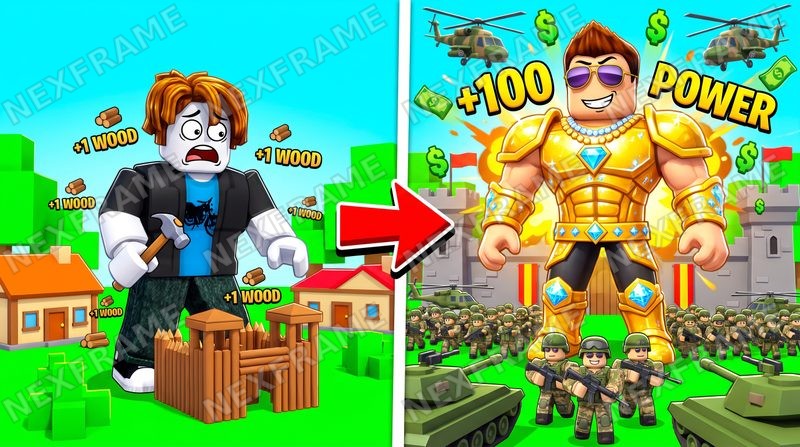
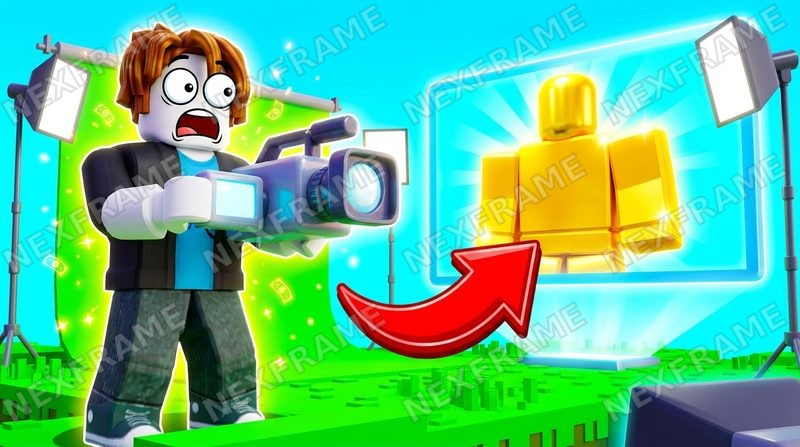
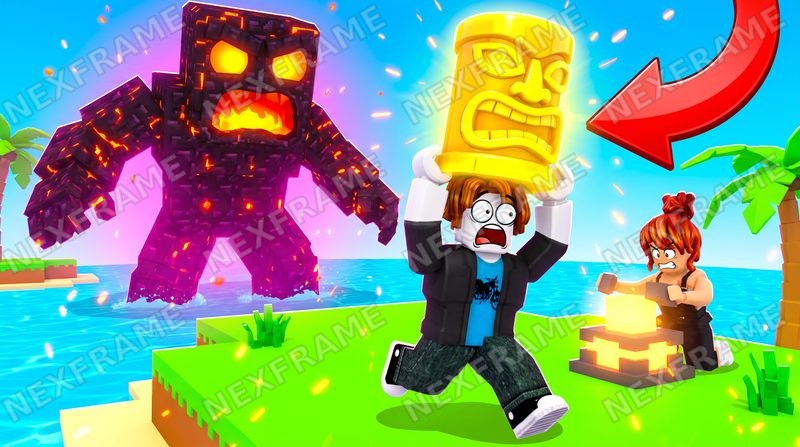 1920 → 175 px