
Roblox thumbnail ideas
Ideas grouped by the kind of game you made, each with a real thumbnail generated in Nexframe and the few things that make it readable at the size players actually see it. One rule comes first, and it comes from Roblox:
A thumbnail will have a higher impact if it's unique and provides relevant imagery on what players should expect when they join the game.
Appears under "Best practices > Relevant content".
Roblox Creator Hub - Thumbnails. Checked 2026-10-01.
Simulator games
The fantasy of a simulator is the number going up. The thumbnail has to show that in one glance.
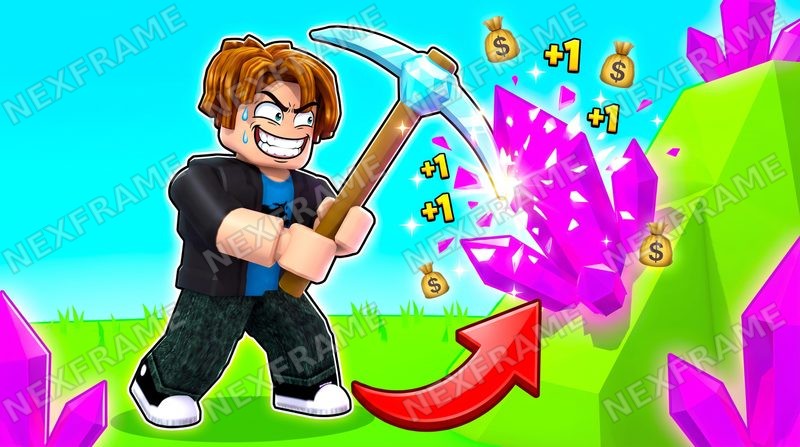
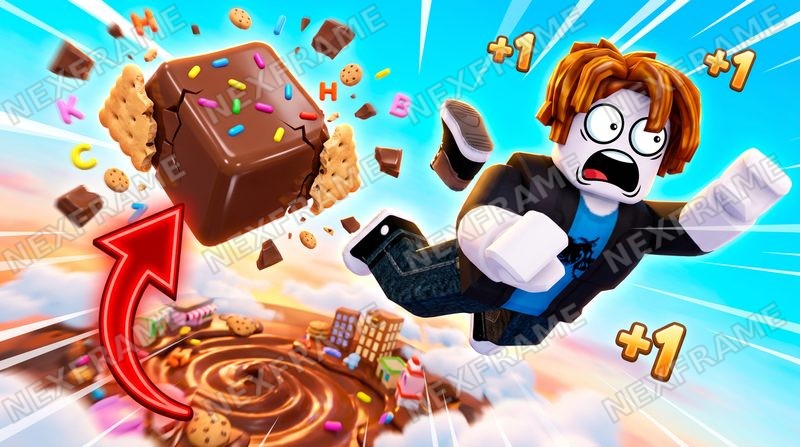
- ✓Show the gain on screen: +1 pop-ups, coins or a growing pile right next to the avatar.
- ✓Freeze one action mid-swing - the pickaxe hitting, the bite, the lift - not a menu or a stat screen.
- ✓Make the reward huge: the crystal, the stack of cash or the weight several times the size of the avatar.
Try it the "Default / High-CTR" style, starting from the "Impossible lift" or "Pile of cash" concept.
Tycoon and progression games
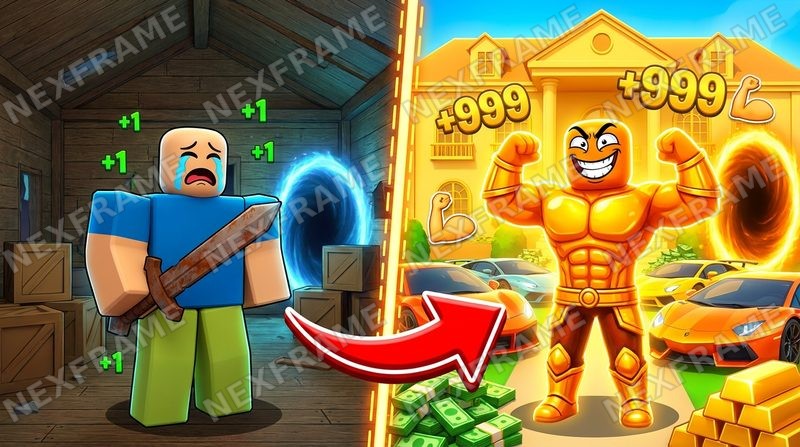
A tycoon sells the climb from nothing to everything. Put both ends in the same frame.
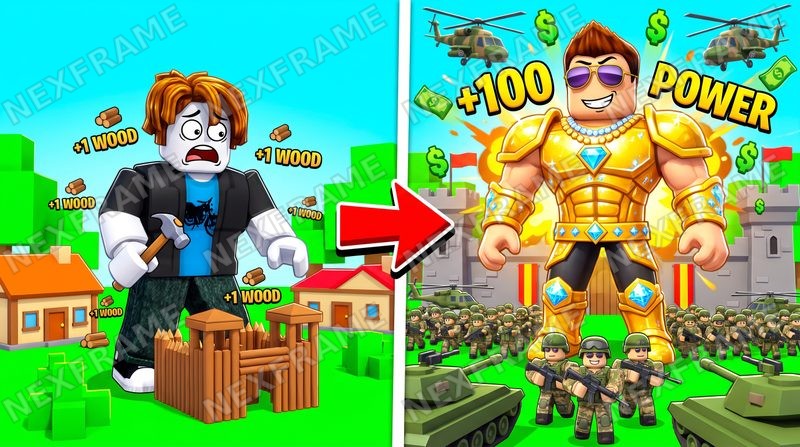
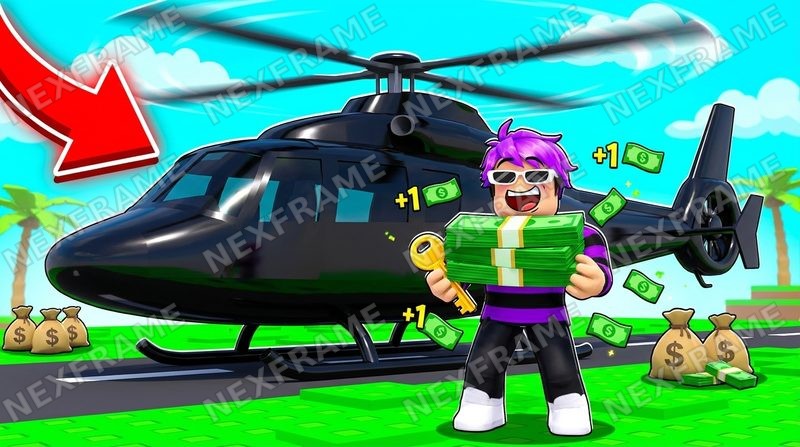
- ✓Split the frame: the poor start on the left, the rich result on the right, an arrow between them.
- ✓Make the after unmistakably better - gold, scale, an army, a vehicle - so the difference reads small.
- ✓Use the numbers your game really shows (+100 Power, +1 wood), not invented ones.
Try it the "Comparison / Versus" style, starting from the "Day 1 vs Day 100" or "Noob vs Pro" concept.
Obby and tower games
An obby is a path to the top. The thumbnail should make the top look worth the fall.
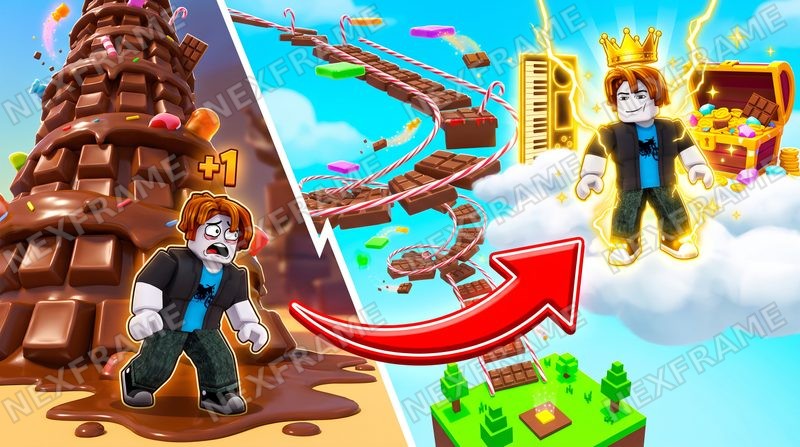
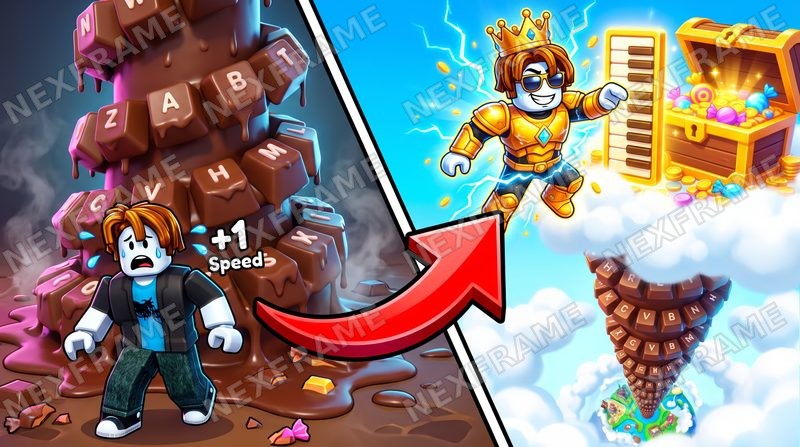
- ✓Show the climb itself: the path or tower rising, and the goal - a crown, a chest, the sky - at the top.
- ✓A struggling avatar at the start and a winner at the goal tell the whole story with one arrow.
- ✓Keep the goal high in the frame. Roblox warns the bottom can be covered by the player count.
Try it the "Default / High-CTR" style, with the idea in your own words.
Survival, escape and boss games
Danger is the hook. The player has to see what is chasing the avatar before reading anything.
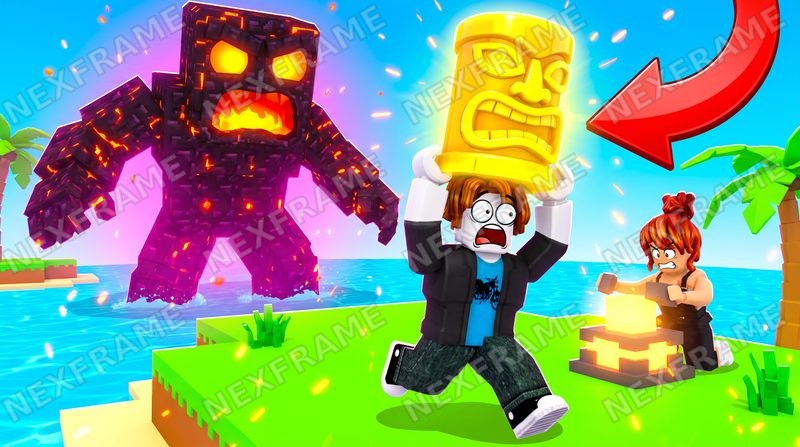
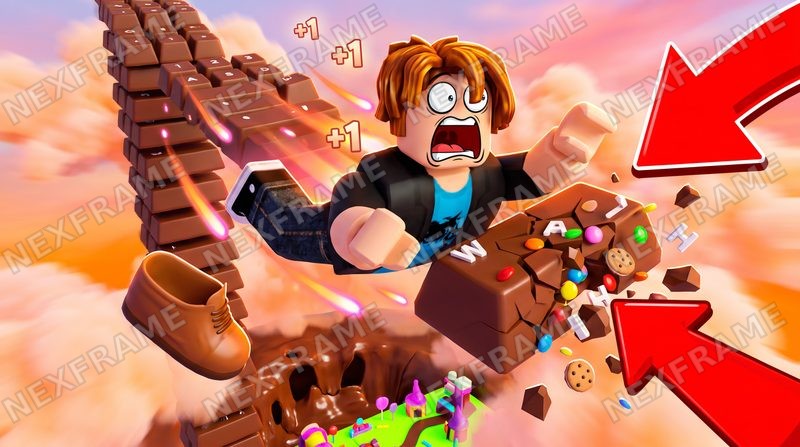
- ✓Put the threat behind the avatar and make it much bigger than it.
- ✓A panicked face running toward the camera reads faster than any title.
- ✓Something worth saving in the avatar's hands - an idol, an egg, a chest - gives the chase a stake.
Try it the "Default / High-CTR" style, starting from the "Running from the boss" concept.
Roleplay and story games
Roleplay is about people and moments. One big, readable face carries the story.
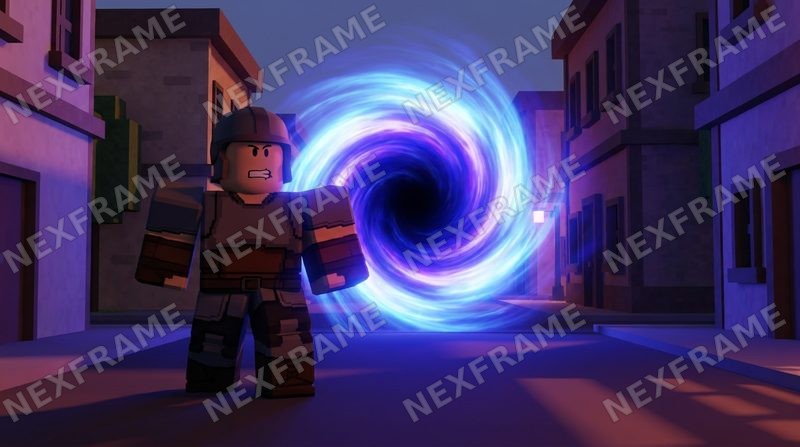
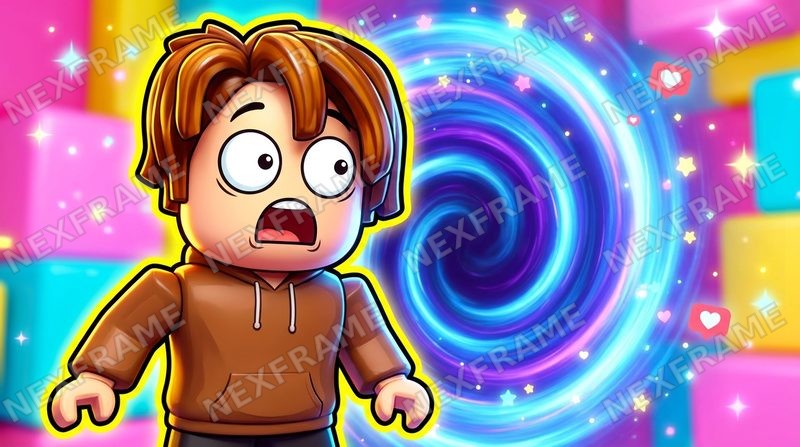
- ✓Lead with one face and one clear emotion; it reads even at the size of a phone grid.
- ✓Use a place players know from your game - the street, the house, the school - as the background.
- ✓If you add a title, keep it to a few words that pose the story's question.
Try it the "Roleplay Story / Big Face" or "YouTube Thumbnail" style, with the idea in your own words.
Combat, anime and shooter games
Fights sell power. Show the attack, not the loadout screen.
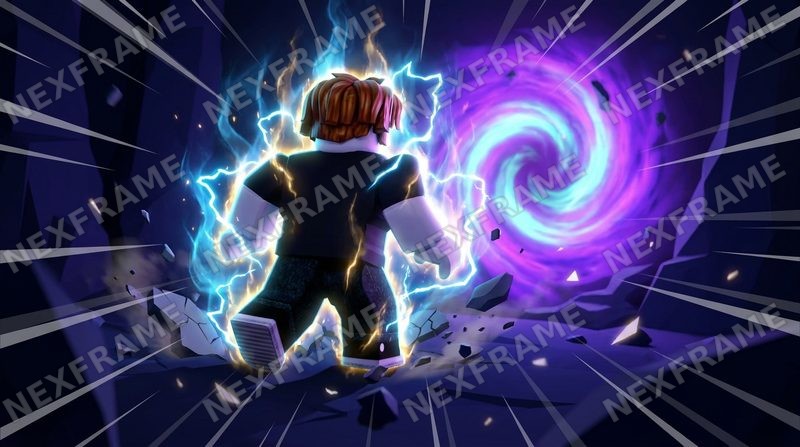
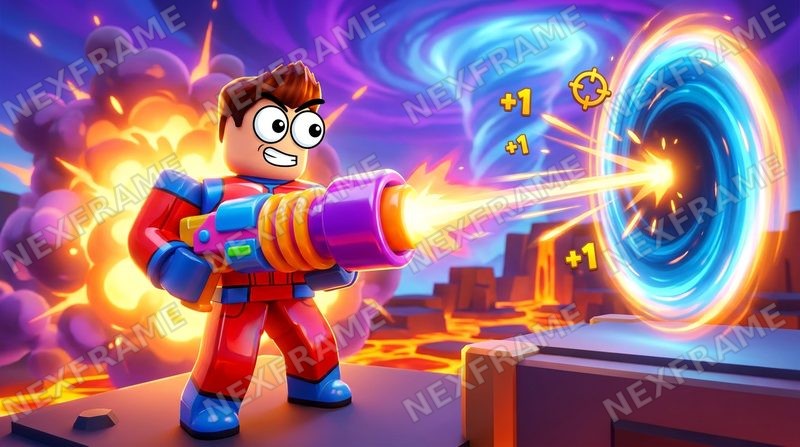
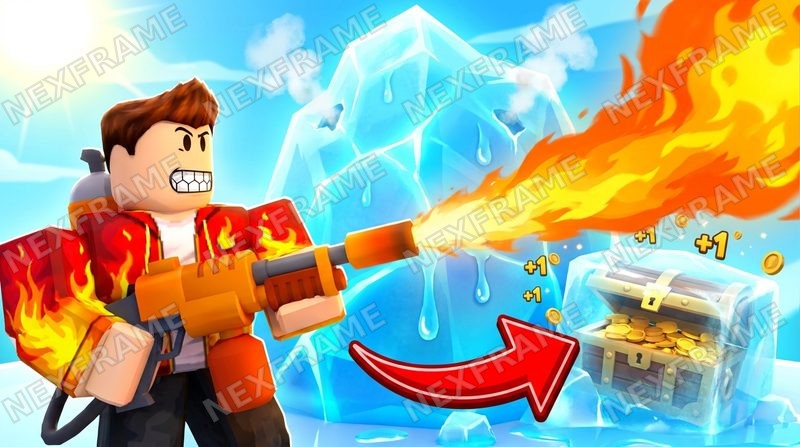
- ✓Show the power as an effect - lightning, a blast, fire against ice - leaving the avatar.
- ✓Give the action a direction: the attacker on one side, the target on the other.
- ✓Lean on contrast colors (purple and orange, ice blue and fire) so the frame pops in a busy grid.
Try it the "Anime" or "Blaster Action" or "Ice vs Fire" style, with the idea in your own words.
Meme and creature games
When the creature is the joke, the creature is the thumbnail.
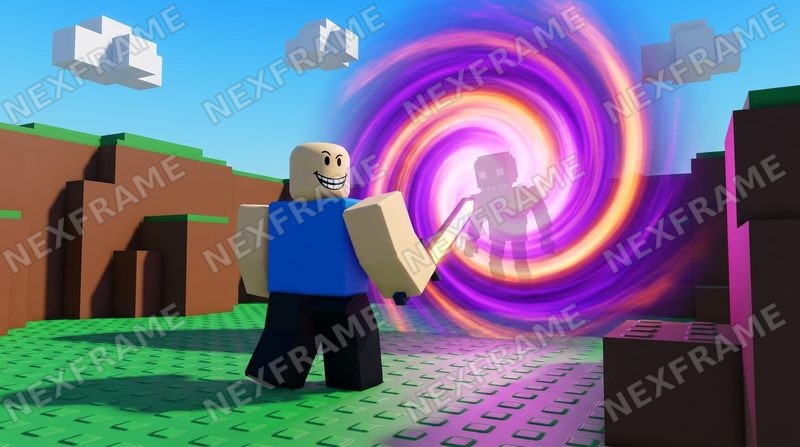
- ✓Make the creature or the strange object the biggest thing in the frame.
- ✓Keep it inside the game's world - the same lighting and ground - so it looks like something you can find by playing.
- ✓A reaction face next to it tells players how to feel about it.
Try it the "Meme Creature / Cohesive Scene" style, with the idea in your own words.
For every genre
- ✓Show what players will actually get in your game - Roblox's own best practices ask for relevant imagery.
- ✓Keep the title and the main subject away from the bottom edge, where the player count can sit.
- ✓Upload 16:9; anything else gets stretched.
- ✓Activate a few genuinely different ideas at once - Roblox only starts testing thumbnails when 2 or more are active.
The numbers behind these - size, file limit, how many to activate - are quoted from Roblox in the Roblox thumbnail size guide.
Turn the idea into the thumbnail
Every style named above is in the studio's style picker. See what else the Roblox thumbnail maker does, or go straight to it.