
Roblox thumbnail maker
Describe the idea, pick a style, and Nexframe generates a 16:9 Roblox thumbnail in seconds - blocky avatars, saturated color, the hooks that get clicked, and your title as real, readable text. Your first thumbnail is free, with no Gemini key and nothing to set up (one per person, while today's free spots last).
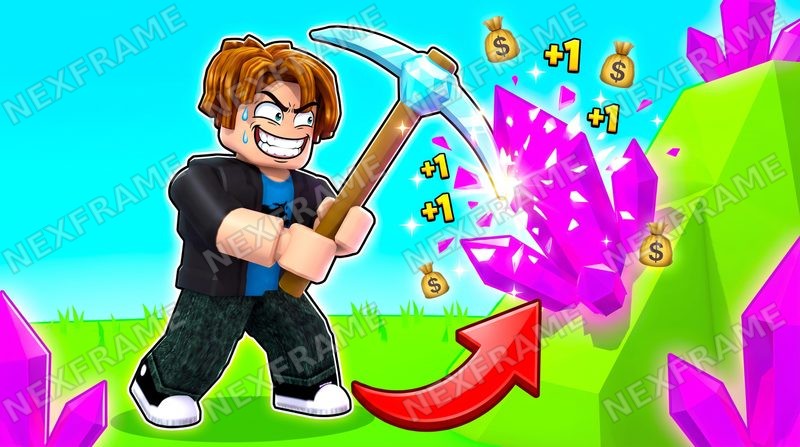
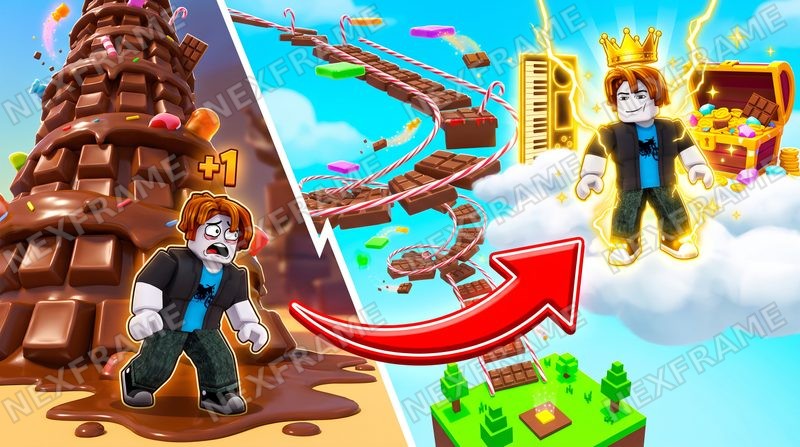
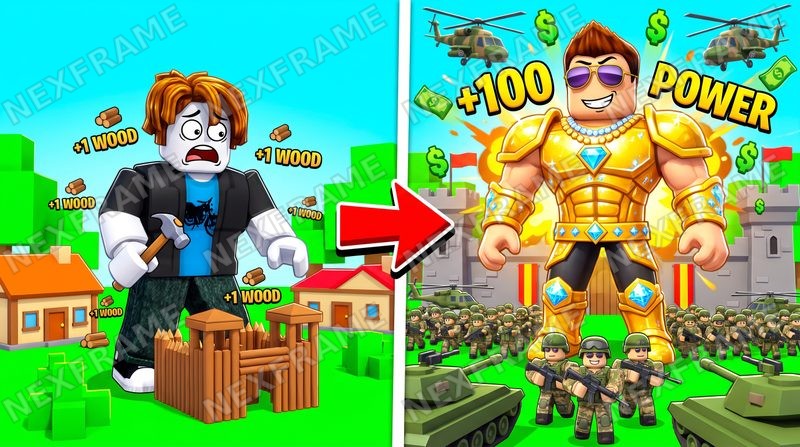
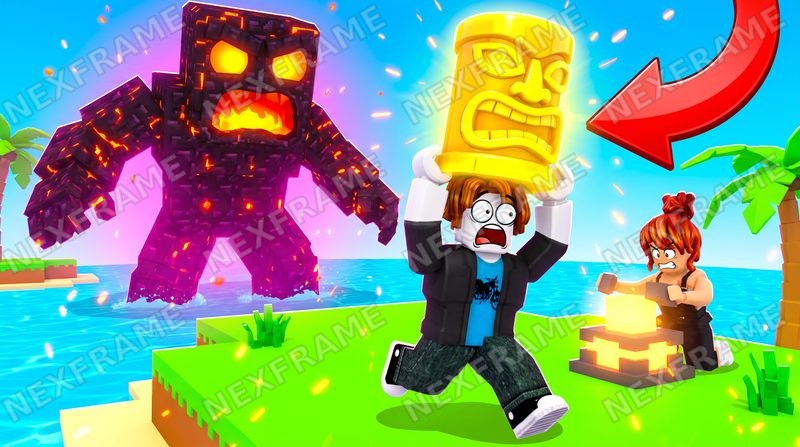
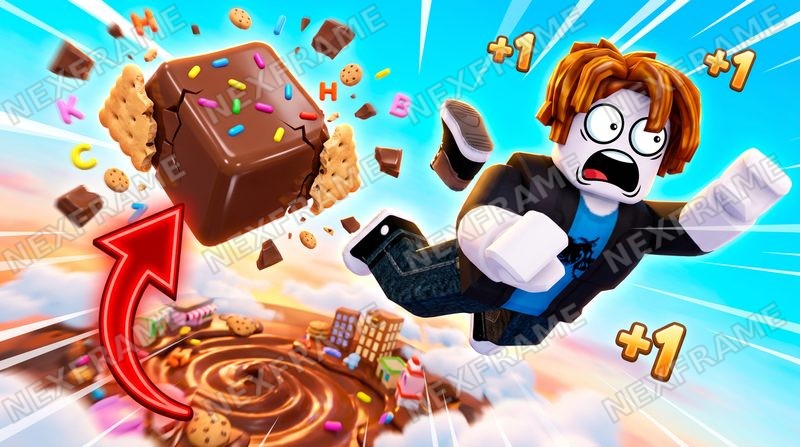
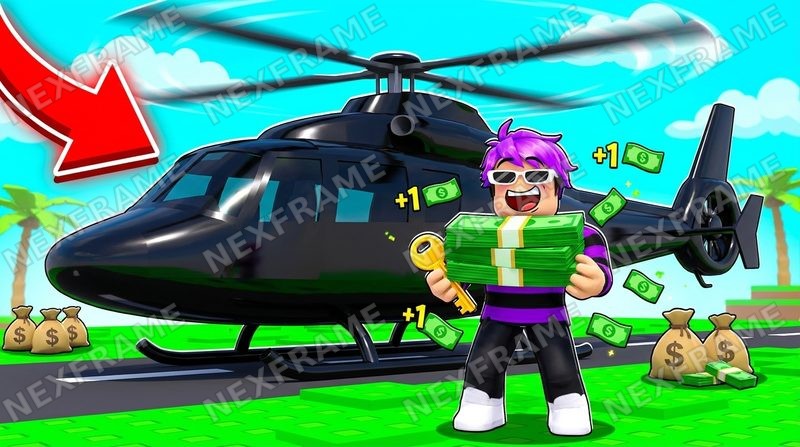
Every image on this page was generated with Nexframe.
How it works
Step 01
Describe the idea
Type it the way you would explain it to a friend - who is in the shot, what is happening, where the arrow points. Or start from a ready concept like "Noob vs Pro" or "Day 1 vs Day 100".
Step 02
Pick a style
The Roblox engine has 9 built-in styles. Each one sets the look, the lighting and the hooks, so you do not write the technical prompt - the engine does.
Step 03
Generate, edit, download
Edit the title on its own text layer, ask for variations of the one you like, upscale to 4K, or turn it into a square game icon.
One idea, every style
The same concept - an avatar and a portal - generated in each built-in Roblox style. The style changes everything except the idea.
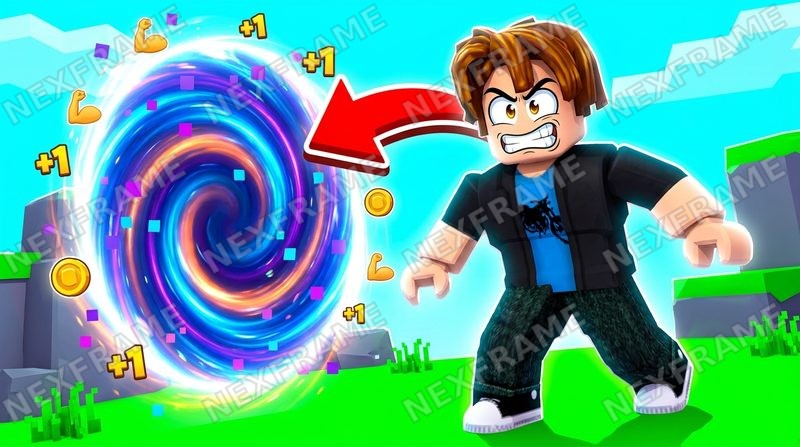
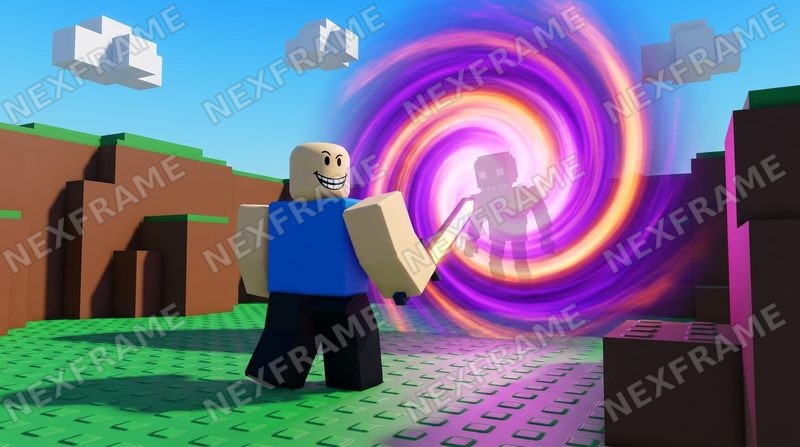
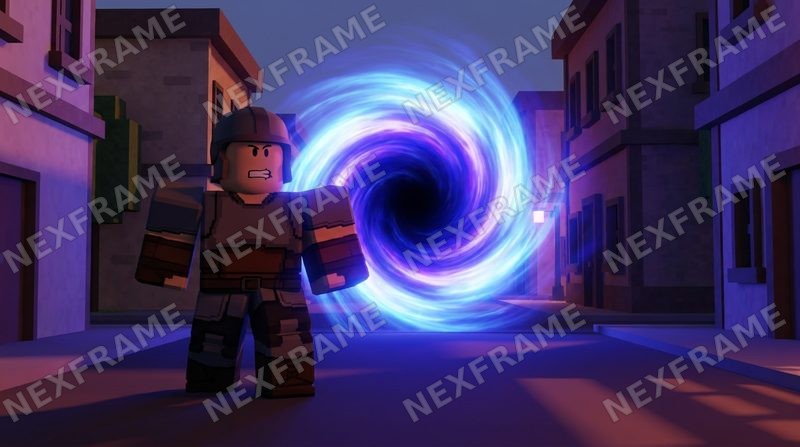
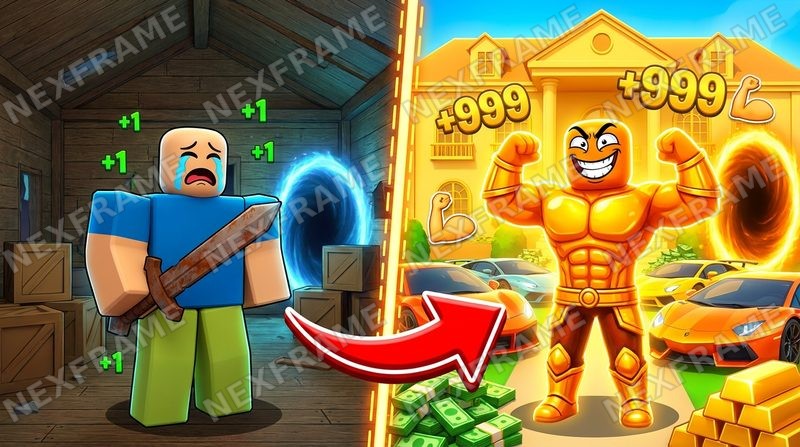
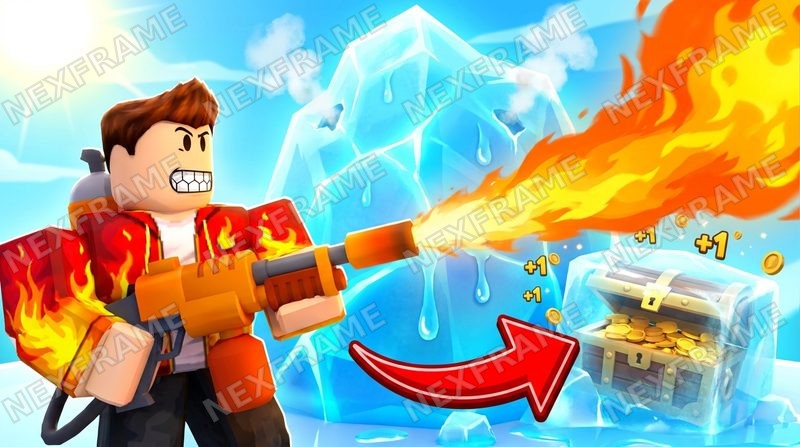
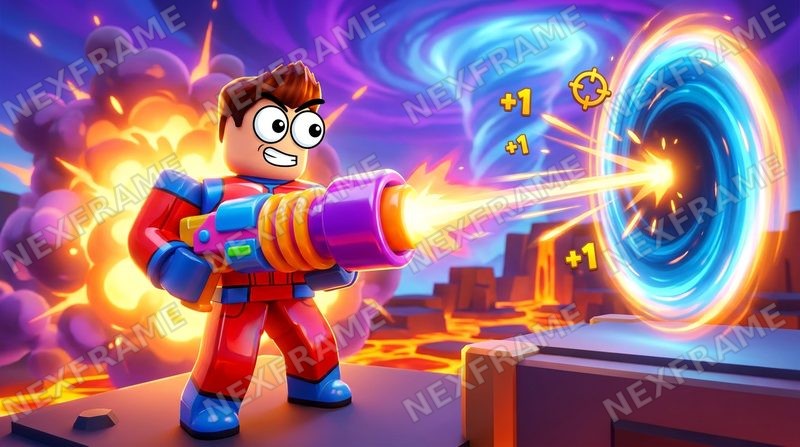
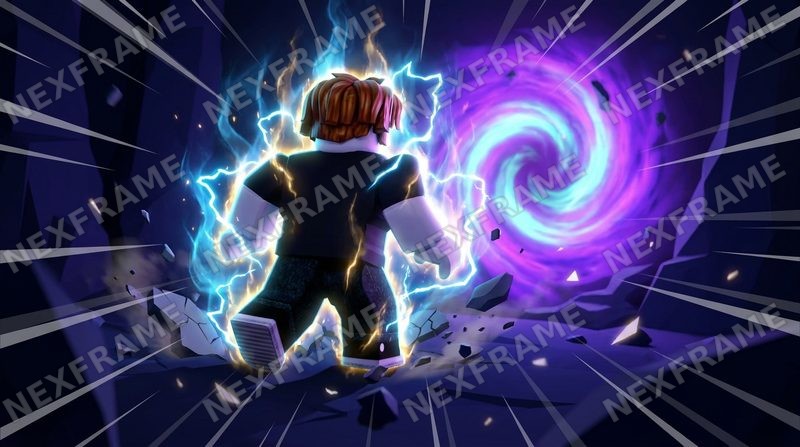
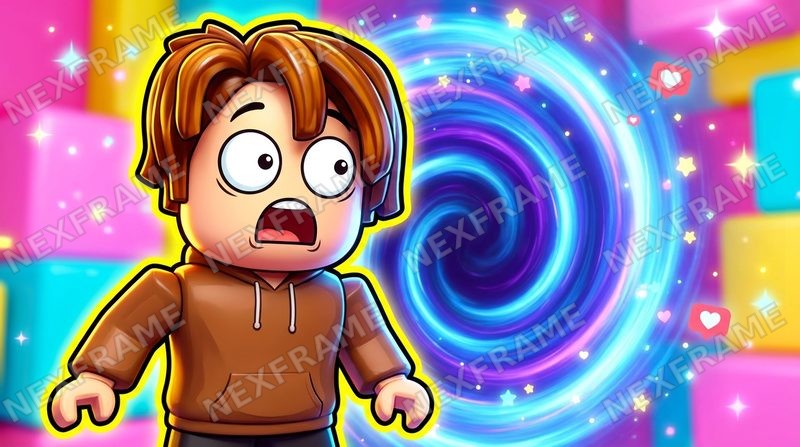
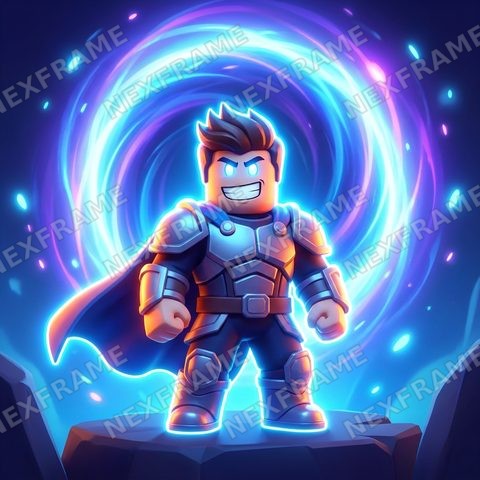
The Icon (1:1) style draws for a square frame from the start. Already have the thumbnail? The game icon maker turns it into a square without stretching it, and the game pass icon maker crops to the circle Roblox shows.
Get the size right
Roblox asks for 16:9, ideally 1920x1080, and warns that the bottom of the image can be covered by the player count. Everything Nexframe makes is 16:9; the Roblox thumbnail size guide has the official numbers, quoted from the Creator Hub.
What it costs
- ✓Your first thumbnail is free - no Gemini key, nothing to set up (one per person, while today's free spots last).
- ✓Unlimited on the plan: $25 for the first month, then $50/mo. Generation runs on your own Gemini key, and Google bills you directly, about $0.03-$0.13 per thumbnail. No markup on generation from us.
- ✓3 days free on your key first - Nexframe charges nothing for the trial (the terms).
- ✓No key at all? $9.99 for 40 thumbnails with Nexframe Credits.
Questions
Is the Roblox thumbnail maker free?
Your first thumbnail is free and needs no Gemini key (one per person, while today's free spots last) - it is generated at 2K, 16:9 (2752x1536). After that, you can keep going on the plan ($25 first month, unlimited, on your own Gemini key, with a 3-day trial first that Nexframe charges nothing for), or the no-key credits pack ($9.99 for 40 thumbnails).
Do I need design or prompt skills?
No. Pick a style and type a rough idea; the Roblox look - blocky avatars, saturated color, the classic hooks - is already built into the engine. A Custom style is there if you want full control.
What size does it export?
16:9 at 1376x768 or 2752x1536, plus an optional 4K upscale. Roblox asks for 16:9, ideally 1920x1080.
Can it write the title on the thumbnail?
Yes. Give it a title and the model renders it as bold 3D text; you can also add or fix text on a separate layer - font, color, outline - so a misspelled title never ships.
Is it a thumbnail maker or a thumbnail generator?
Both. The AI generates the image from your idea, and then you edit it like a maker: change the text, ask for variations, upscale, or turn it into a square game icon.
Does it do Fortnite thumbnails too?
Yes. One toggle switches the whole engine to the Fortnite style, with its own presets and a map icon mode.
Is Nexframe affiliated with Roblox?
No. Nexframe is an independent tool, not affiliated with, endorsed by, or sponsored by Roblox Corporation.
Make the first one now
Type a rough idea, pick a style, and see what comes out. Need an idea first? The Roblox thumbnail ideas guide goes genre by genre, with examples.